The Proper Path to Salvation from Apple to Make This Happen
I’m a big user of OpenCode and it fits perfectly into my workflow for developing and managing macOS applications. But lately, I’ve been exploring the idea of running an MCP server on top of some macOS apps API to streamline my creativity process even further. I am already seeing some promising results with this approach. Some macOS apps already provide APIs that are well-suited for this kind of integration, making it easier to implement and experiment with MCP servers. One of them is MindNode, a mind mapping application that offers a robust API for creating and managing nodes programmatically. But lately, this app has been shipping with an integrated MCP server, which opens up new possibilities for automation and interaction within the app itself. Quickly, I wanted to have my iWork apps, like Pages and Numbers, also support this kind of integration to further enhance my productivity. It would be a game-changer for my workflow.
It Works with an Agent Shell and Some macOS Apps
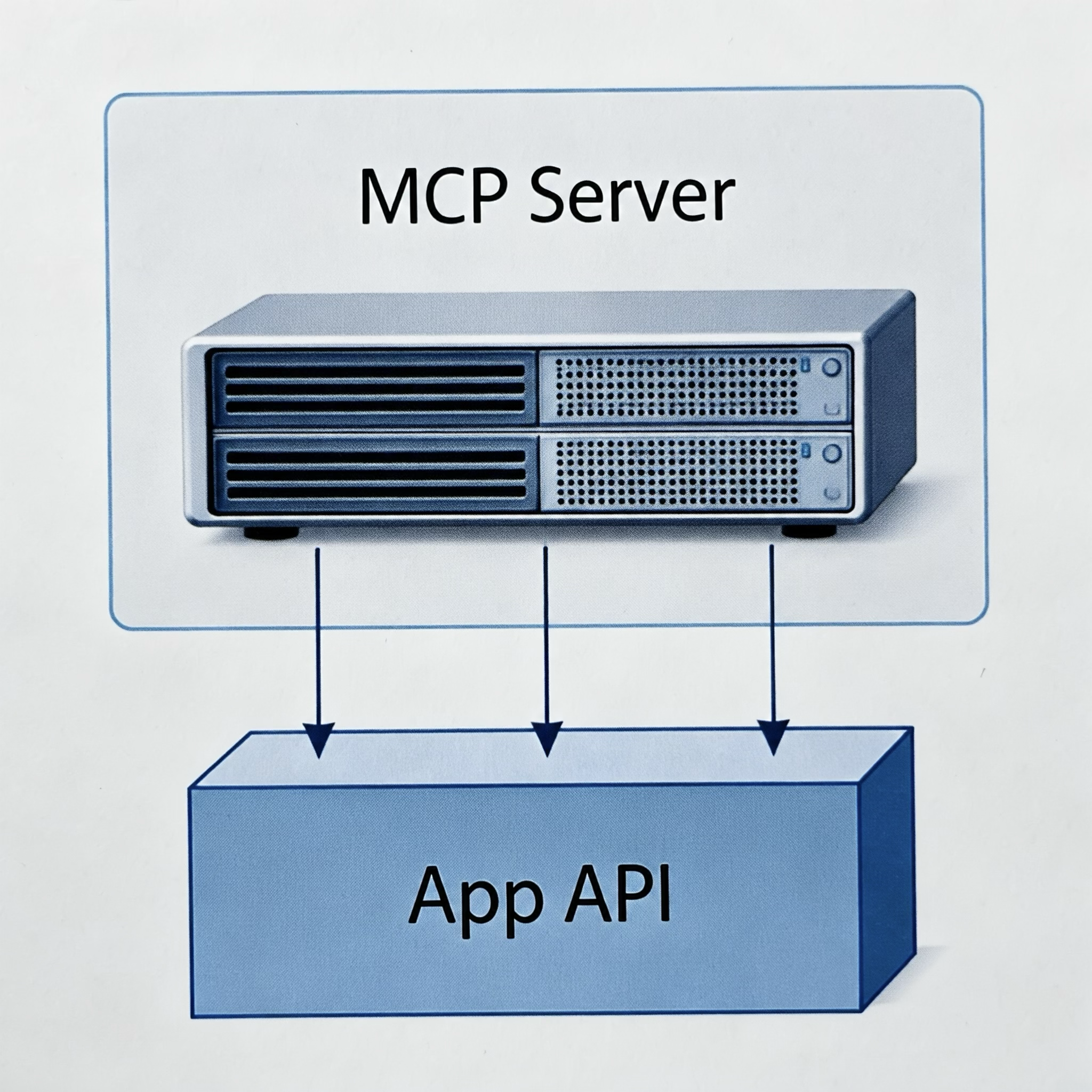
The iWork MCP integration project demonstrates how an MCP server can be layered on top of iWork apps, enabling enhanced automation and interaction capabilities. And it works surprisingly well, providing a seamless way to extend the functionality of these apps without modifying their core code. I was able to scaffold a Pages document with some tentative content for a novel using the MCP server, which significantly sped up my writing process and allowed me to focus more on creativity rather than manual formatting and structuring. The only hic was using latest Grok model as the prime LLM–it didn’t always generate perfect content, and the document formatting was horrible, but it was good enough to get the creative juices flowing.
Are MCP Servers A Bad Idea, as Some Engineers Say?
Now, MCP servers are often criticized for adding complexity and potential security risks to macOS apps. Some engineers argue that layering an MCP server on top of an existing app could introduce vulnerabilities or performance issues. While these concerns are valid, I believe that with careful implementation and proper security measures, the benefits of enhanced automation and interaction can outweigh the potential downsides. It’s a trade-off that each developer needs to consider based on their specific use case and risk tolerance.
The Future of MCP Servers for macOS Apps
Looking ahead, I envision a future where MCP servers become a standard layer on top of macOS apps, providing a unified interface for automation and interaction. This could lead to a more modular and flexible ecosystem, where developers can easily extend the capabilities of existing apps without waiting for official API support. As more apps adopt this approach, we might see a shift in how macOS applications are designed and used, with MCP servers acting as a bridge between user creativity and app functionality.
Conclusion
In conclusion, running an MCP server on top of macOS apps offers exciting possibilities for enhancing productivity and creativity. While there are valid concerns regarding complexity and security, the potential benefits make it a worthwhile exploration for developers willing to navigate the trade-offs. As the ecosystem evolves, I am optimistic that MCP servers will play a significant role in shaping the future of macOS app development and user experience.